Preview · v0.1.8

Word's ribbon.
Free, on every device.

Lucid Sentence is a word processor with the ribbon and page layout you already know, and a fresher look. No account. No subscription. No telemetry.

Mac Windows Linux Android iPhone & iPad Works offline AGPL-3.0
Read this first

This is a preview, not a finished app. It opens, edits, and saves your own .docx files on your device, but not every ribbon command works with Word documents yet, and it has had little testing on real phones and tablets. Keep a copy of anything important.

The installers aren't code-signed yet, so your computer will warn you the first time you open it. The steps below get you past that.

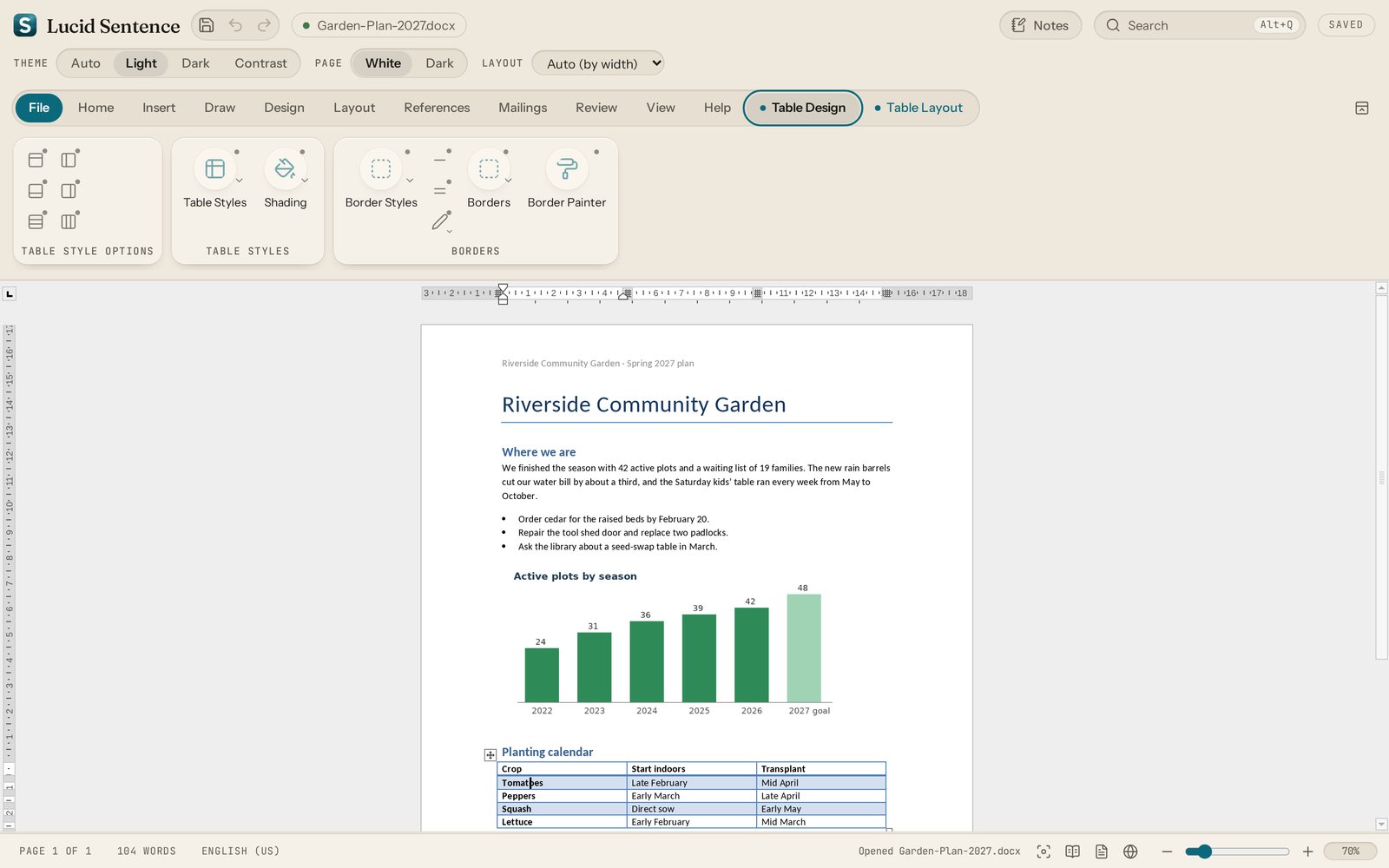
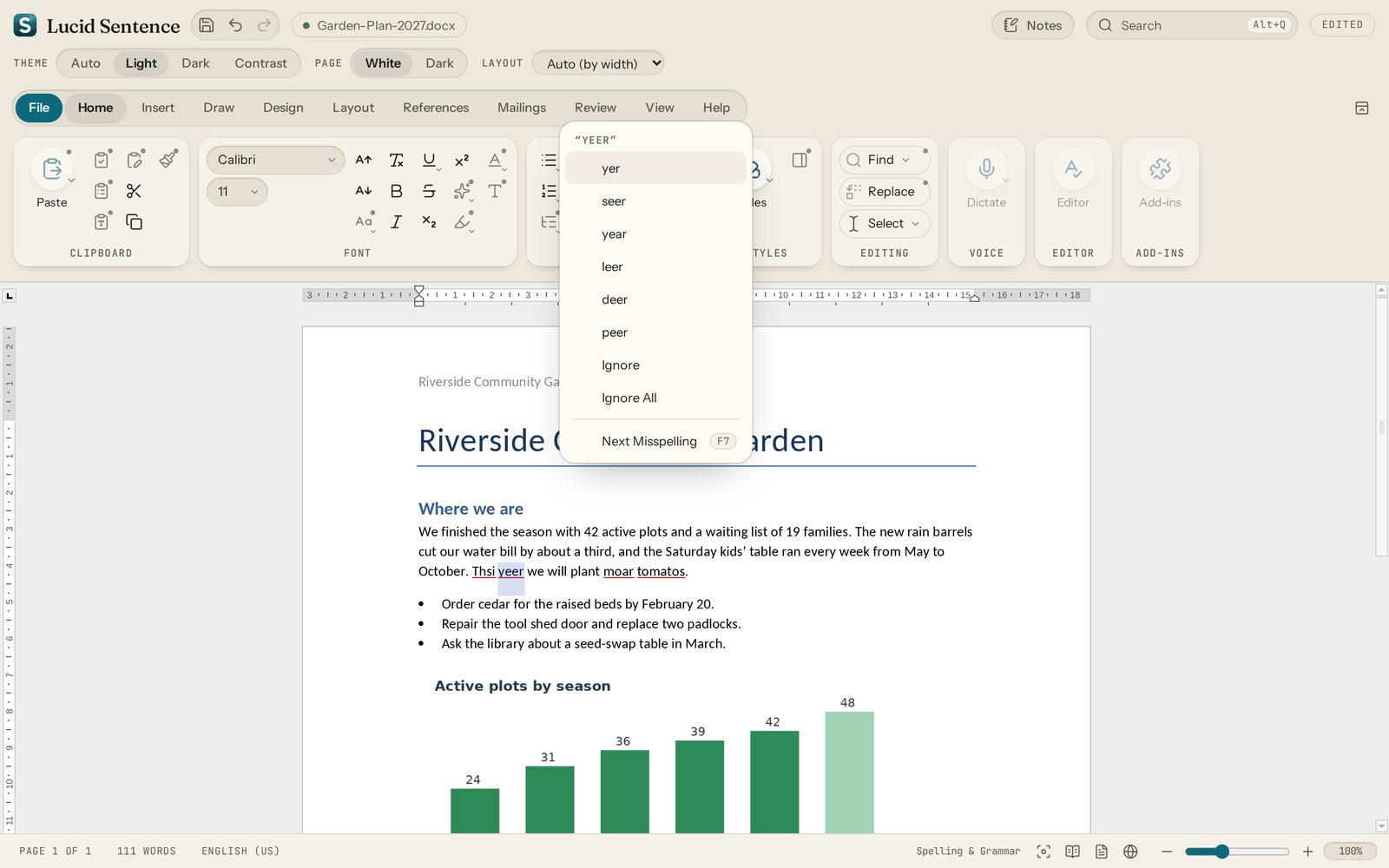
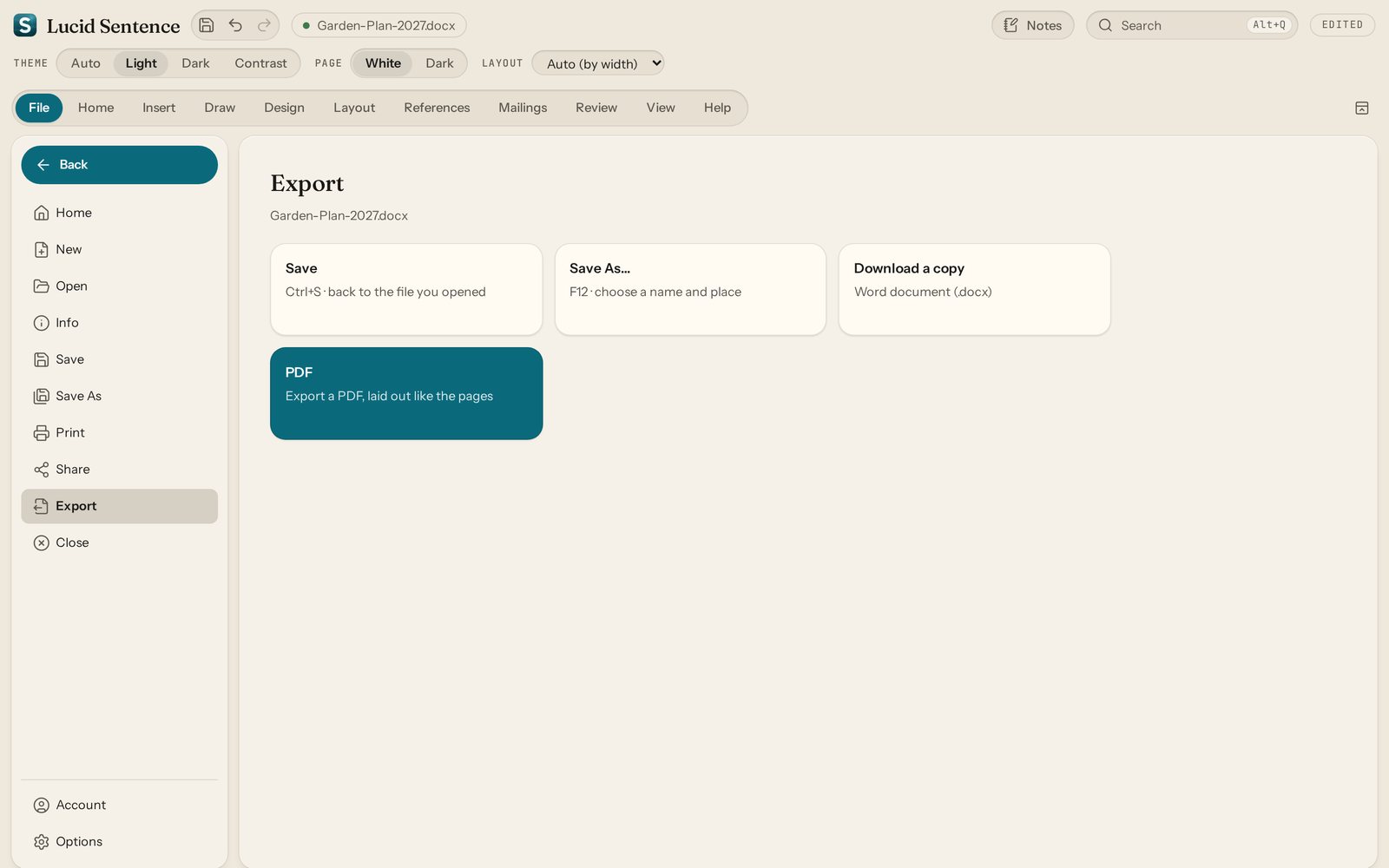
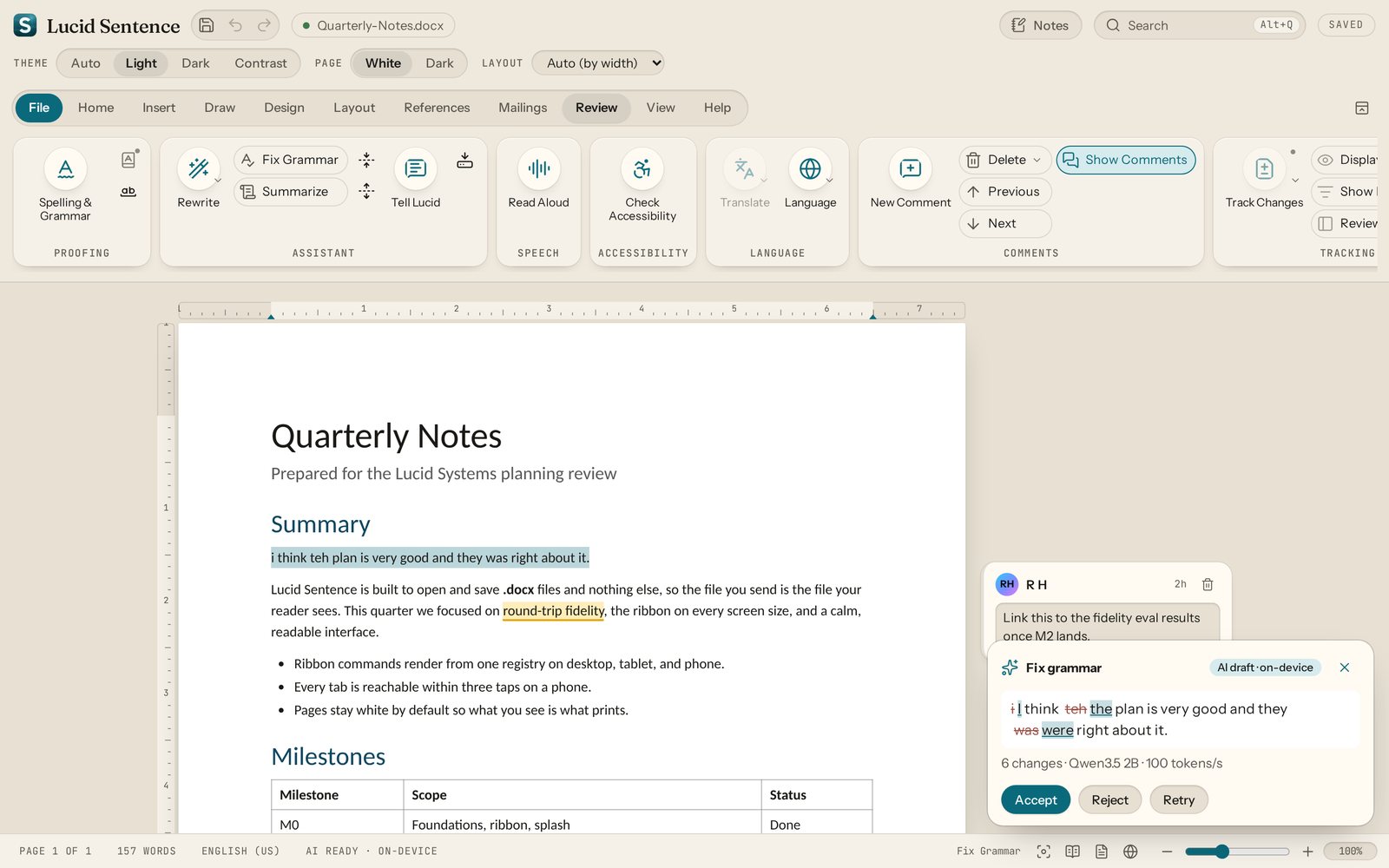
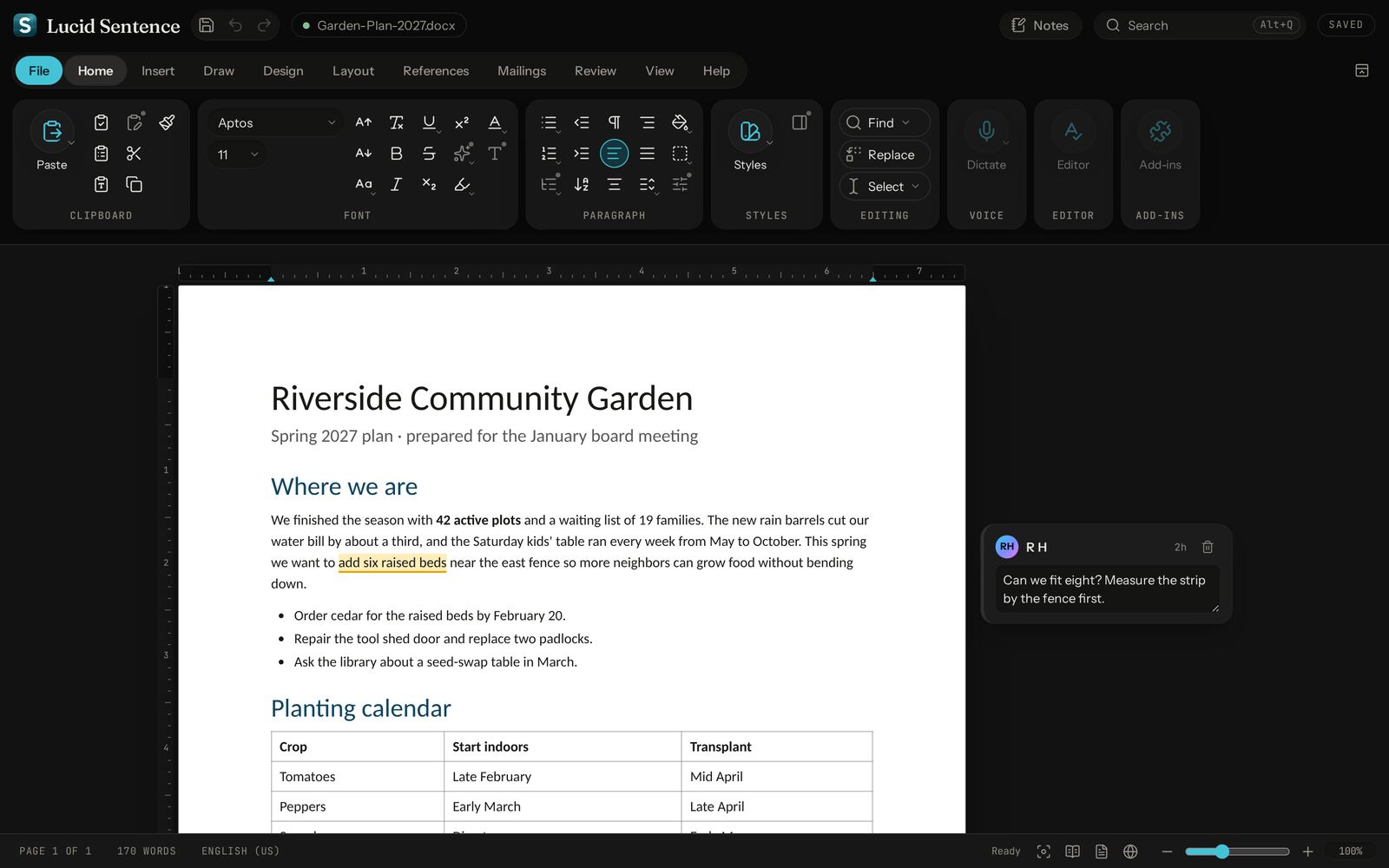
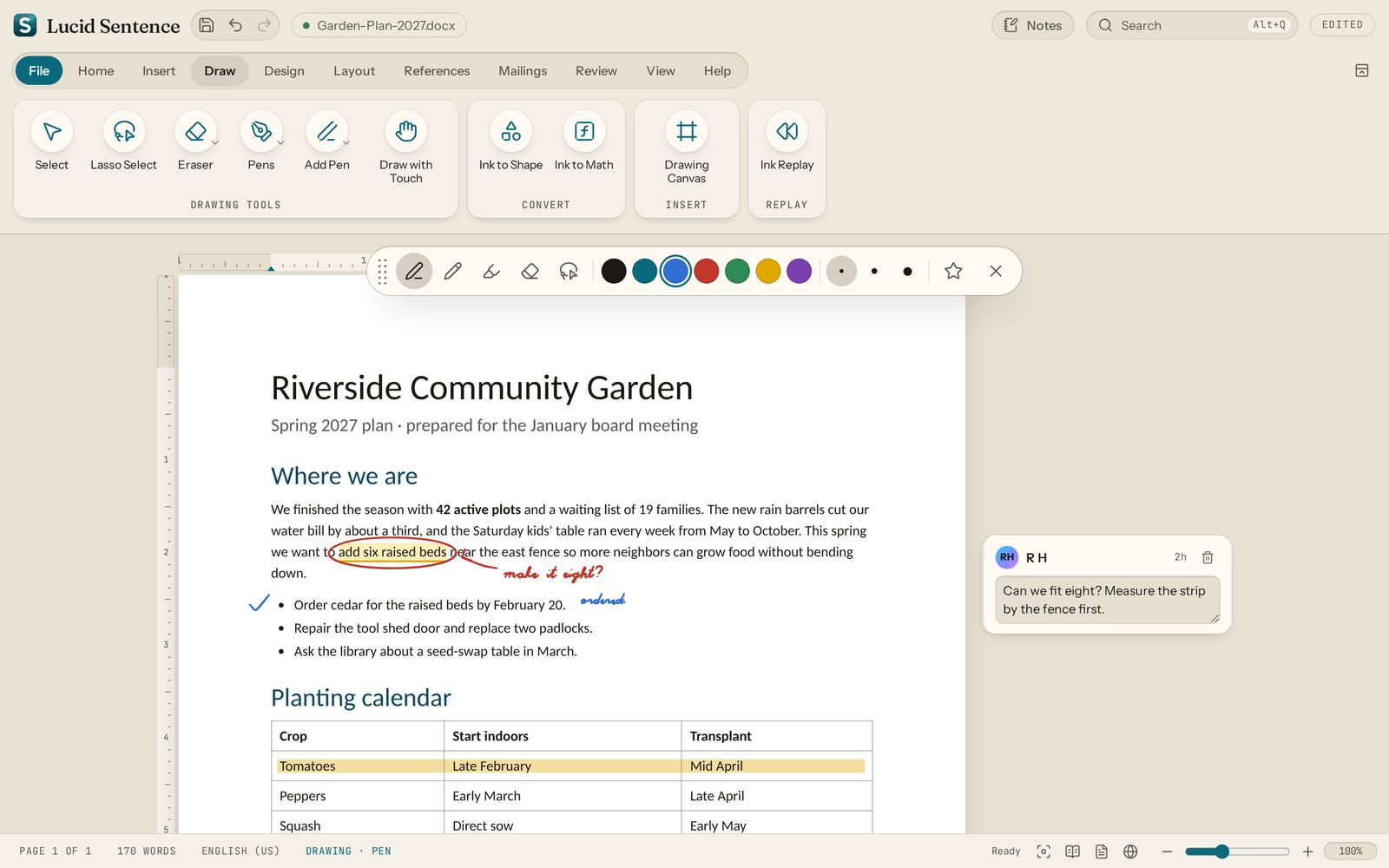
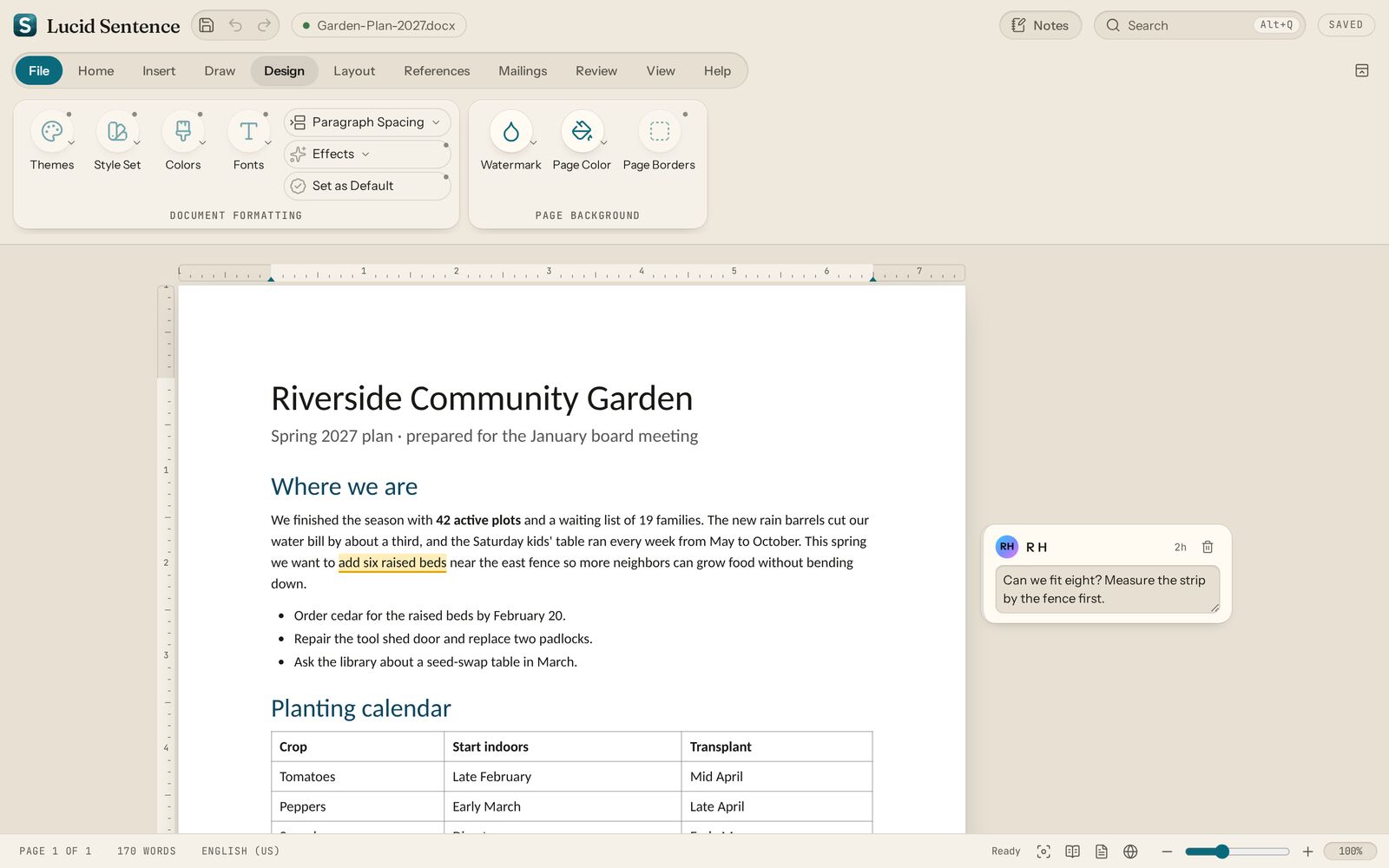
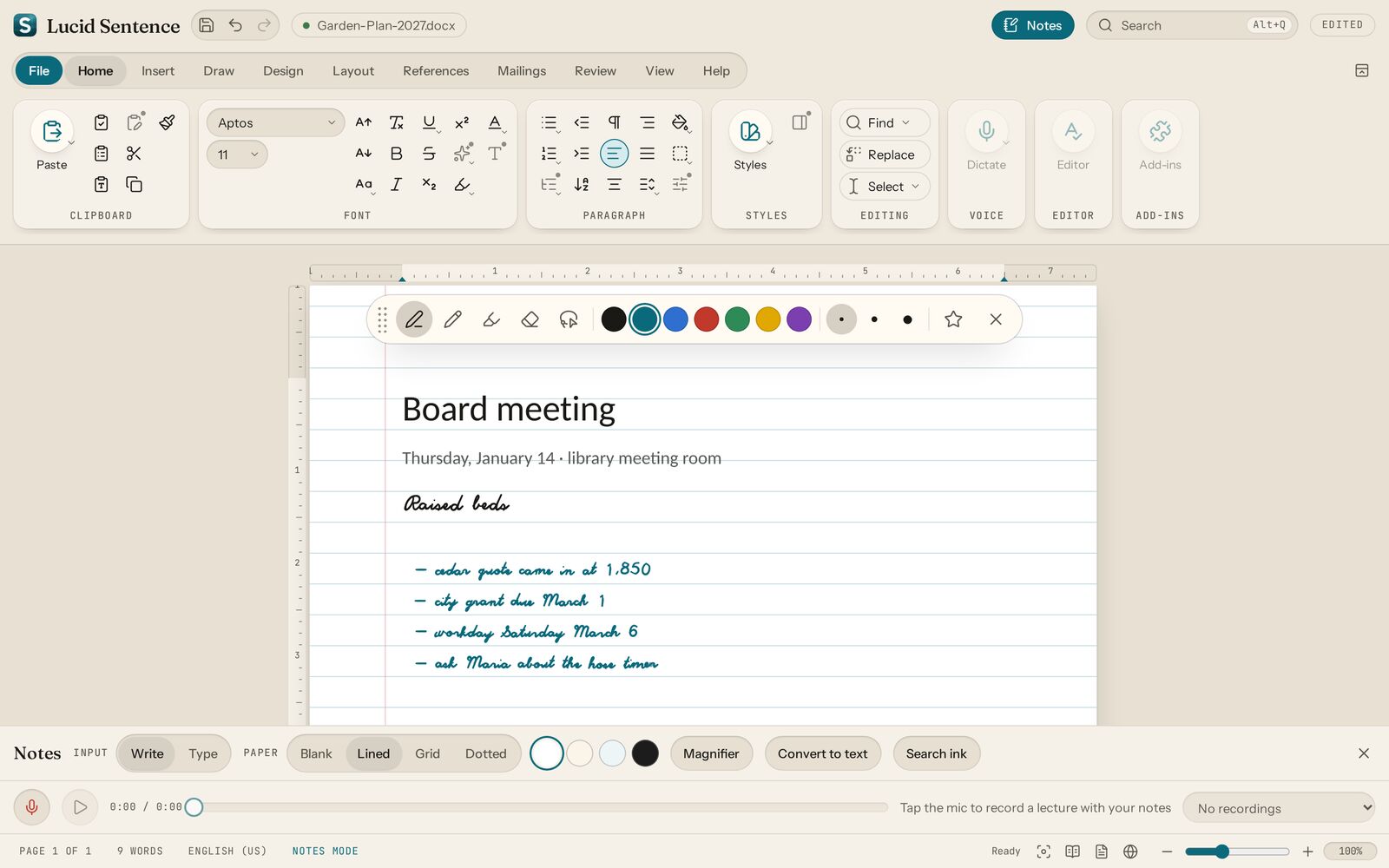
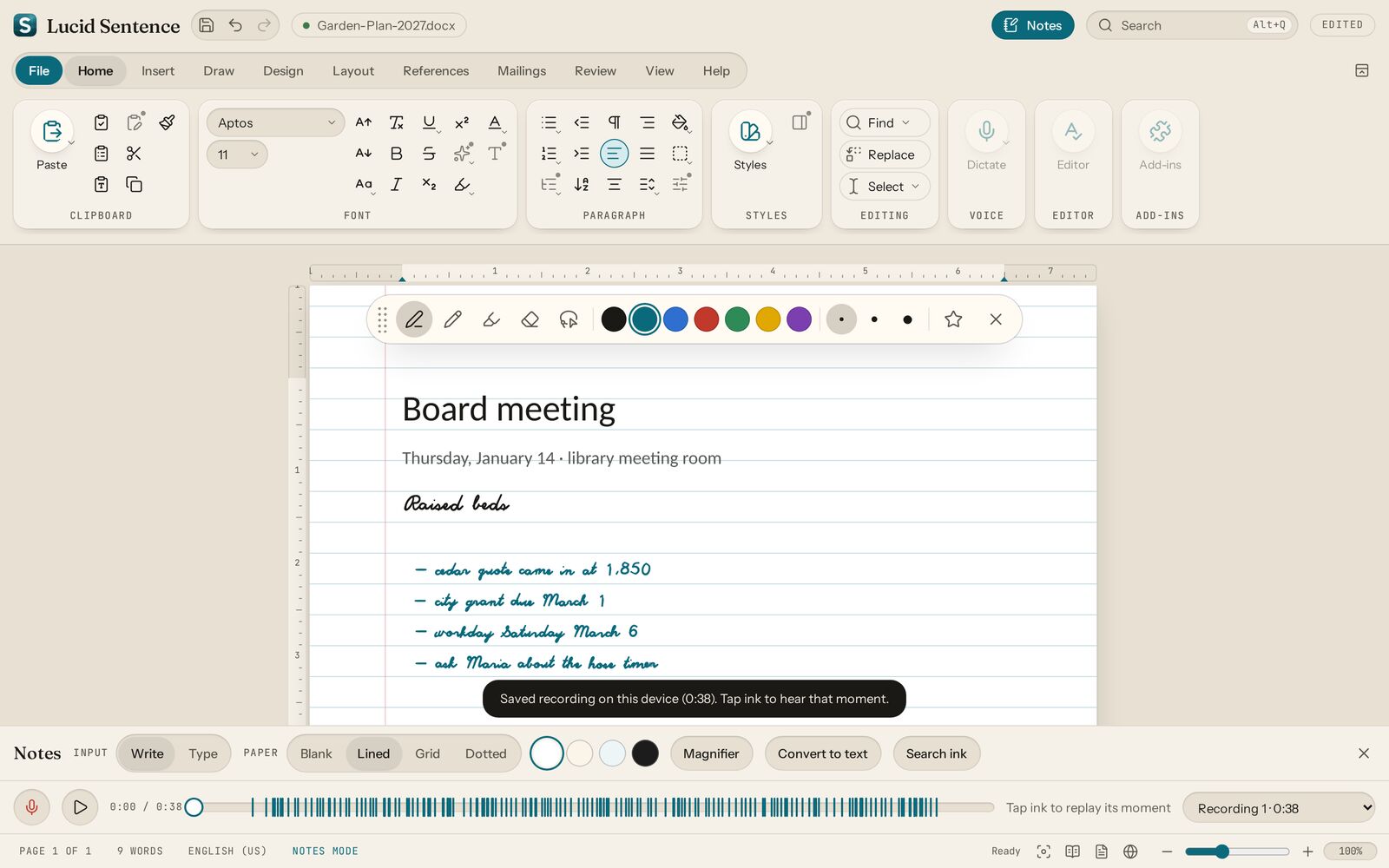
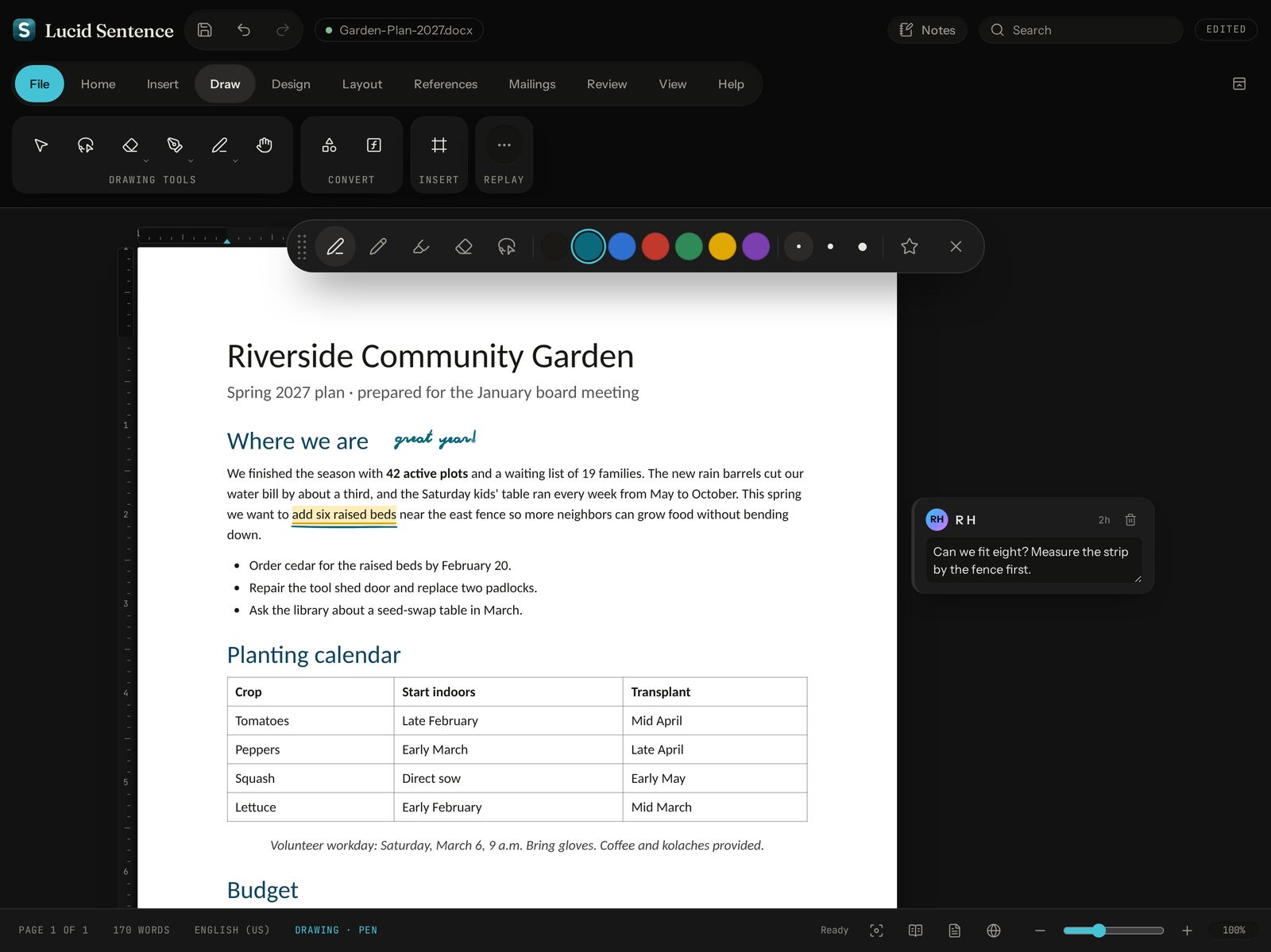
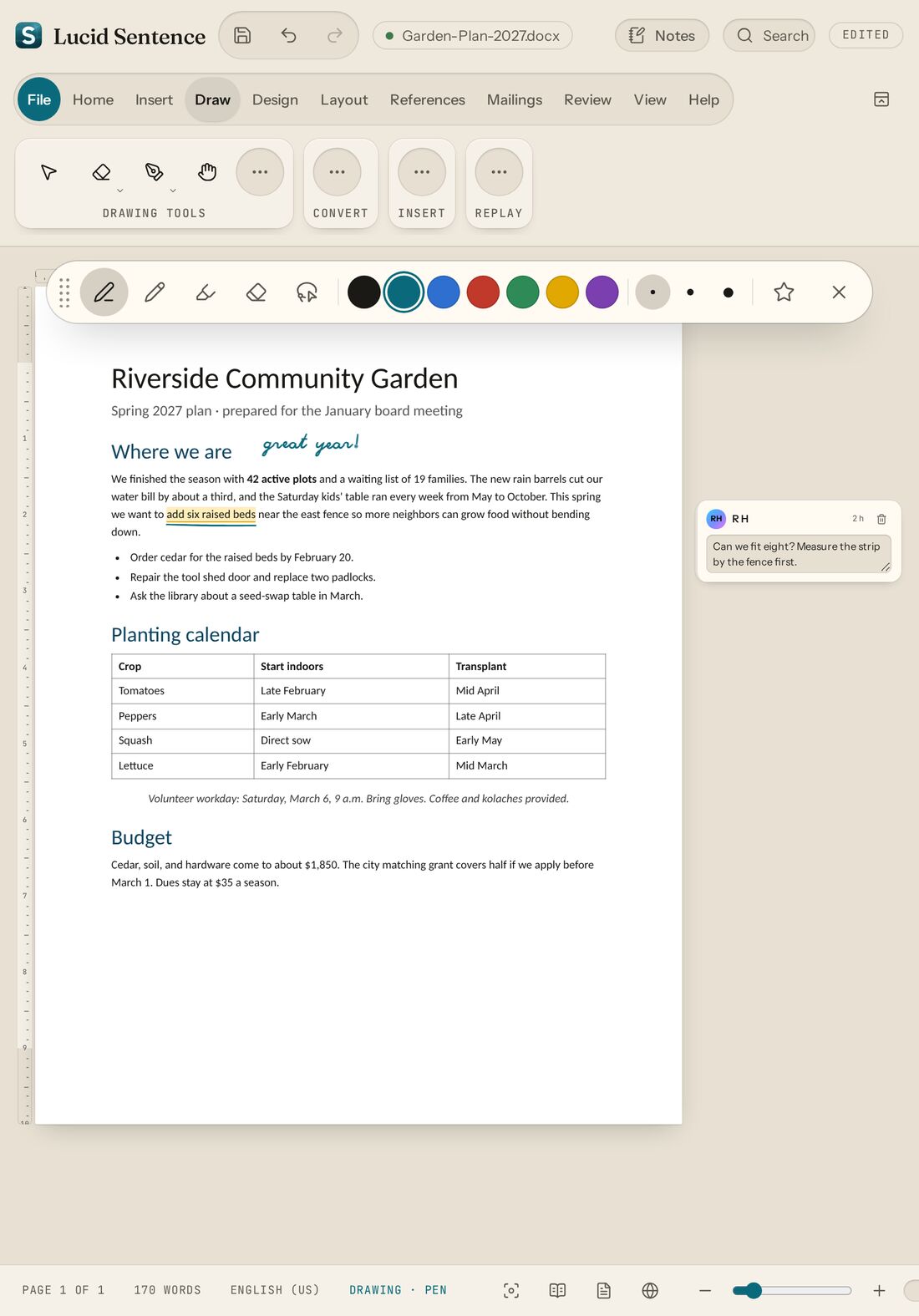
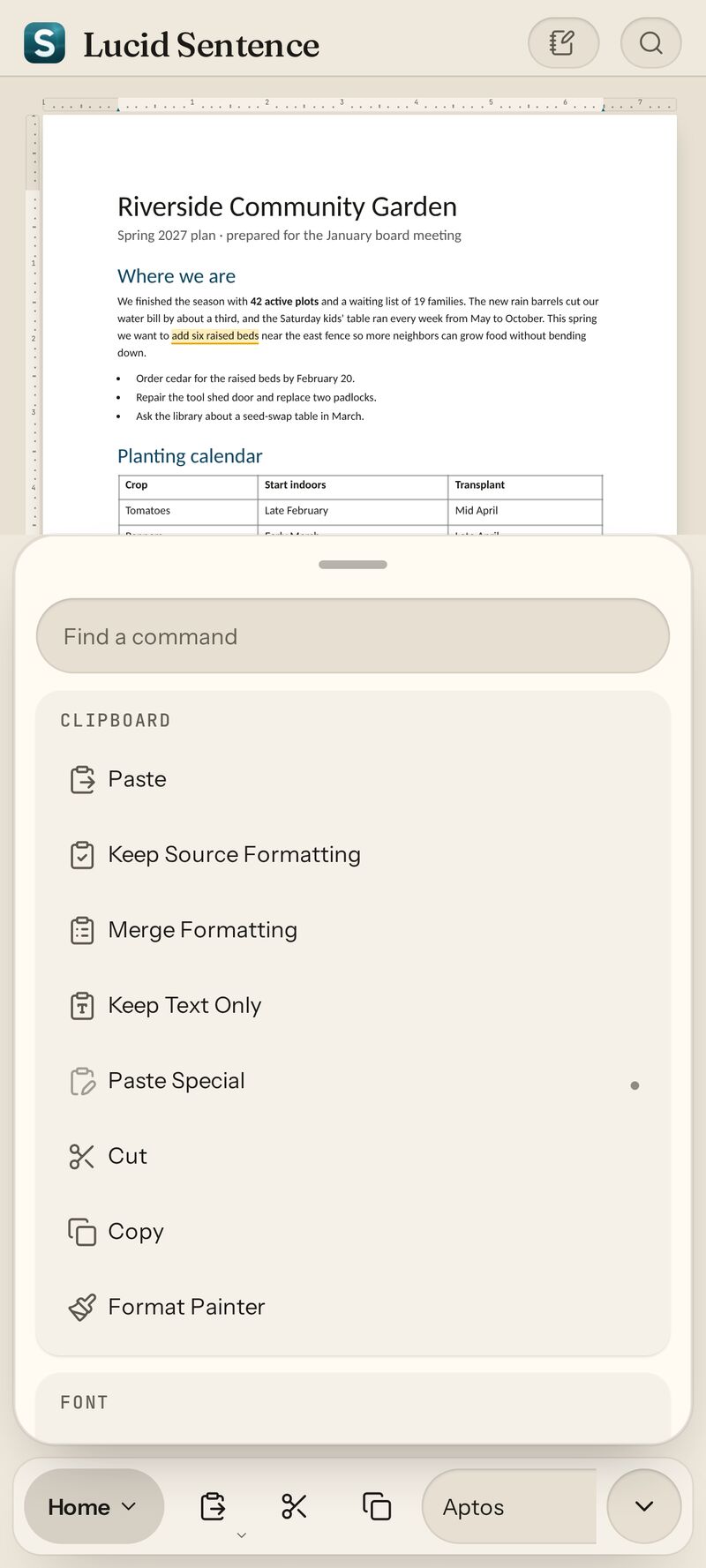
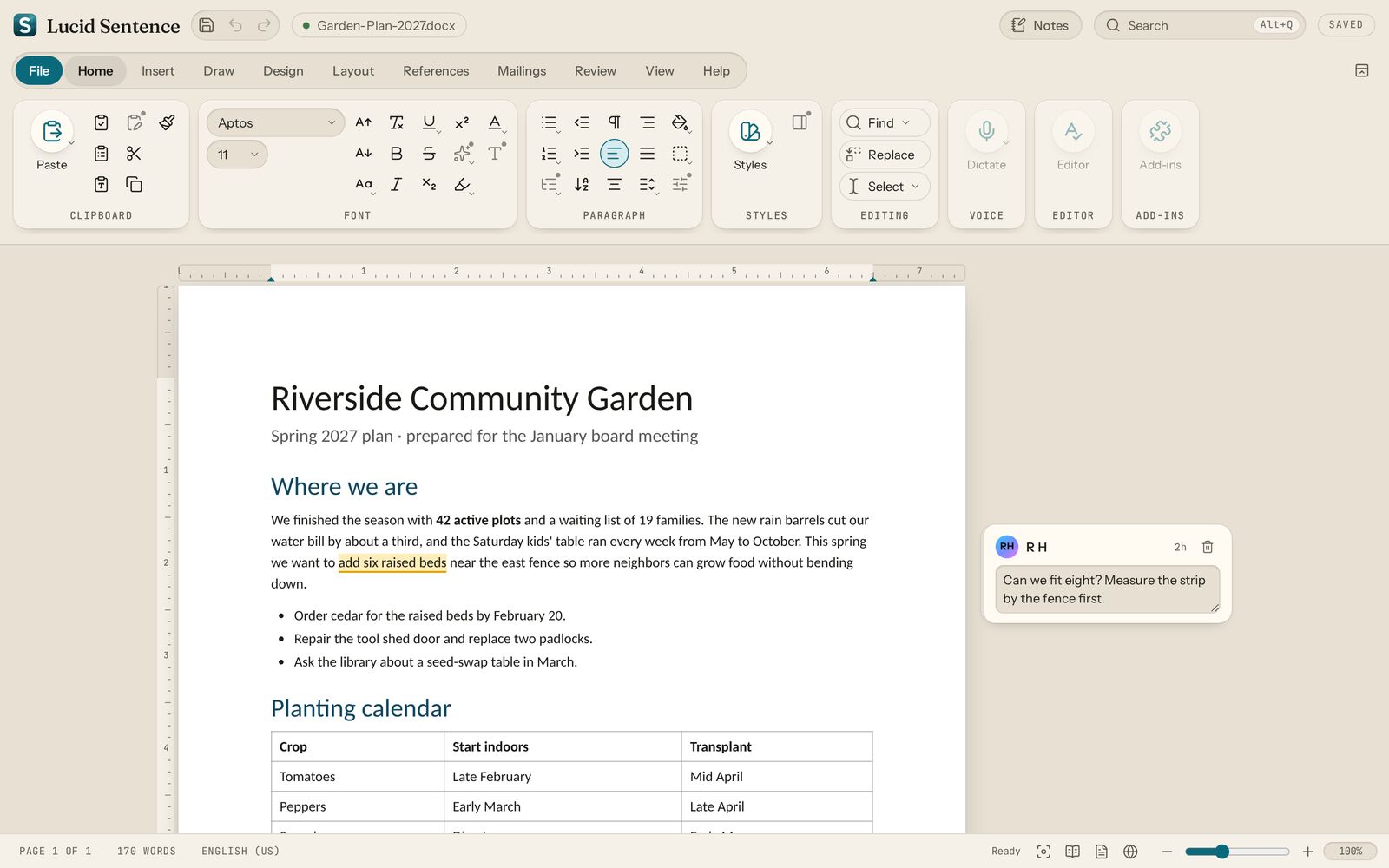
What 0.1.8 looks like.

Real screenshots of the preview. Tap any one to see it full size.

Pick your device.

Version 0.1.8-preview. Every file comes straight from the GitHub release. From here on, the desktop and Android apps offer updates when you open them.

Lucid Sentence icon, a cyan acrylic S, resting on a dark document
Latest preview

Lucid Sentence 0.1.8

Released October 14, 2026 · Mac, Windows, Linux, Android, iPad
  • Start new documents anywhere. The app opens on a start screen: Blank document, New note, Open, and Recent. Pen, Notes, and recordings work in each new note.
  • "Made with Lucid Sentence" on page 1 of saved .docx files and exported PDFs. In a PDF it never prints or covers your text. Turn it off in Options.
  • Documents open in the apps, with progress and Retry if anything goes wrong (fixed in 0.1.6).
  • Your .docx files. Open, edit, and save Word documents, with tables, pictures, and headers and footers.
  • Print and PDF, and spell check in five languages.
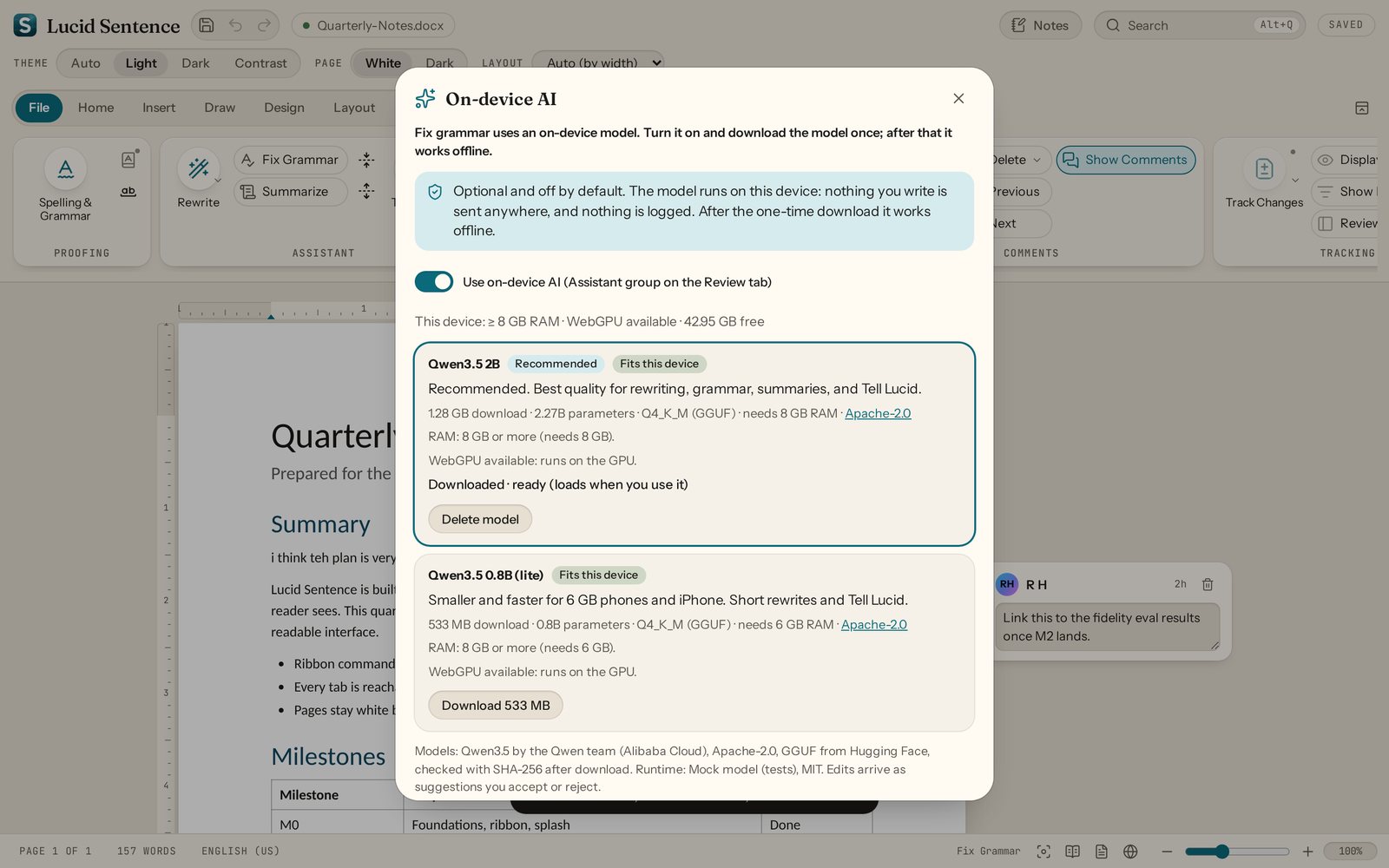
  • Offline AI assistant, off until you turn it on. Smaller per-CPU Android downloads.
Full release notes →
Mac
Apple silicon and Intel
  1. Open the .dmg and drag Lucid Sentence to Applications.
  2. First launch: right-click the app, choose Open, then Open again.
  3. macOS 15+: if there's no Open button, try once, then System Settings → Privacy & Security → Open Anyway.
Download .dmg 67 MB
Windows
Windows 10 and 11
  1. Run Lucid-Sentence-Windows-Setup.exe.
  2. If SmartScreen says "Windows protected your PC", click More info, then Run anyway.
  3. It shows up in the Start menu.
Download installer 31 MB
Managed PCs: .msi package (32 MB)
Android
Phones and tablets
  1. Download the .apk on your device and open it.
  2. If asked, allow your browser or Files app to install unknown apps.
  3. Tap Install. Had 0.1.0-preview? Uninstall it first.
Download .apk 40 MB
That's for most phones and tablets (64-bit ARM). Older 32-bit phones: armv7 .apk (34 MB). Chromebooks and emulators: x86_64 .apk (41 MB). On a 32-bit phone with 0.1.3, download the armv7 file once yourself; updates work after that.
Linux
AppImage, or .deb for Debian and Ubuntu
  1. Make it executable: chmod +x Lucid-Sentence-Linux.AppImage
  2. Double-click it to run.
  3. Or: sudo apt install ./Lucid-Sentence-Linux.deb
Download AppImage 111 MB
Or the .deb package (33 MB)
iPhone & iPad
No App Store build yet
  1. Install the web app from Safari. It runs full screen and works offline after the first visit.
  2. Three taps. Steps are below.
Add to Home Screen ↓

Checksums: SHA256SUMS.txt · Release notes and every file: v0.1.8-preview on GitHub

Add it to your Home Screen.

There's no App Store version yet. The web app is the same editor, and it works with Apple Pencil.

  1. Open doctornurse.github.io/Lucid-Sentence in Safari.
  2. Tap the Share button. On newer iOS it can be inside the ••• menu.
  3. Tap Add to Home Screen, then Add.
  4. Open Sentence from your Home Screen. When there's a new version, it shows Reload for new version.
Open the web app →
Works in any modern browser, too.

Open a .docx. Edit it. Save it.

Everything below works in the 0.1.8 preview. Documents open in the ONLYOFFICE engine, running on your device. Commands that don't work with Word documents yet are marked in the app.

Your .docx files

Start from a start screen with Blank document, New note, Open, and Recent. Open and save Word documents (Document1, Document2…), or download a copy. Bundled fonts with the same metrics as Word's common fonts, so text lays out close to how it did in Word.

Print and PDF

Print, or export a PDF laid out like the pages. Headers and footers you can edit. Exports carry a small "Made with Lucid Sentence" line on page 1 that never prints in a PDF; turn it off in Options.

Spell check

English, Spanish, French, German, and Portuguese, with suggestions on right-click and in Review.

Offline AI, if you want it

Off by default. Turn it on and download a model once; then fix grammar, rewrite, and summarize on notes pages with nothing leaving your device.

The ribbon

Word's tab layout, contextual Table Design and Layout tabs, Quick Access Toolbar, command search (Alt+Q), and a File backstage. Desktop, tablet, and phone layouts from the same commands.

Editing

Fonts, styles, lists, indents, tables with Table Design and Layout tabs, pictures, links, page breaks, find and replace, undo and redo.

Pages

Letter or A4, margins, orientation, rulers, zoom, navigation pane, margin comments, and Read, Focus, and Web layouts.

Pen and tablet

Ink with pressure and tilt, highlighter, erasers, lasso, and palm rejection. S Pen side button erases. Apple Pencil works in the web app.

Notes mode

Lined, grid, or dotted paper and a floating pen toolbar. Record audio that stays in sync with your ink and typing. Tap a line to hear that moment.

Yours

No account. No telemetry. Works offline. Recordings stay on your device. Light, dark, and high-contrast themes.
Coming later: Track changes Mail merge Citations

Free. Open source. Early.

Try it, break it, tell us. If a pen stroke vanishes or something won't install, open an issue. If it's useful, a star helps.